
After a long wait and months of beta testing, Google last week
finally released Android 11[1], the latest version of
the Android mobile operating system—with features offering billions
of its users more control over their data security and privacy.
Android security is always a hot topic and almost always for the
wrong reason, including Google’s failure to prevent malicious apps
from being distributed through the Play Store, over-claim of
permissions by apps, and privacy leakages.
Though most of such issues can be avoided as long as users take
advantage of already available features and a little common sense,
most users are still not aware of or following basic security
practices.
According to Google’s latest announcement, the latest Android 11
OS includes a few new built-in measures designed to keep users’
data secure by default, increase transparency, and offer better
control.
Instead of diving deep into smaller or more extensive changes,
we have summarized some critical security and privacy feature
updates offered by Android 11 that matter the most.
1.) One-time Permissions
Like an already existing feature on iOS, the ‘one-time
permission’ feature allows users to grant apps single-use access to
the device’s most sensitive permissions, such as location,
microphone, and camera.
Thus, the apps are required to retake permissions before
re-assessing the sensors. This feature is not new in Android but
was earlier only available to use while downloading a new app from
the Google Play Store.
Some apps may trigger the same permission prompt after
installing and others while accessing sensors for the first time,
increasing a layer of privacy.
2.) Permissions Auto-Reset for Unused Apps
This one is new. There could be a scenario where you haven’t
interacted with an installed app for months or completely forgot
about it after downloading and granting required permissions.
In addition to a threat to your privacy, such apps may continue
consuming your device’s hardware resources or keep accessing your
data in the background.
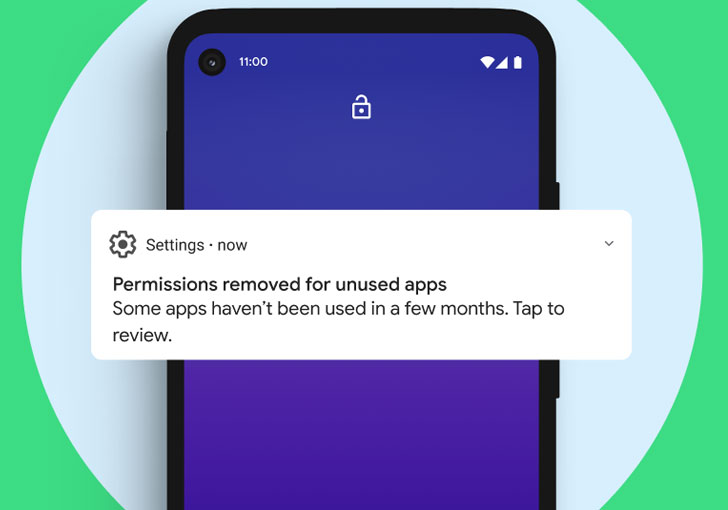
To tackle such scenarios, the new permission auto-reset
feature of Android 11 empowers the mobile operating system to
automatically reset sensitive runtime permissions for an app that
the user has not used for a few months.
To be noted, you can always re-grant permissions to such apps
whenever you use them again.
3.) Quick Security Patches via Play Store Modules
Though Google now requires smartphone manufacturers to roll out
regular security updates to users, it’s still not helping end-users
patch critical vulnerabilities before hackers exploit them.
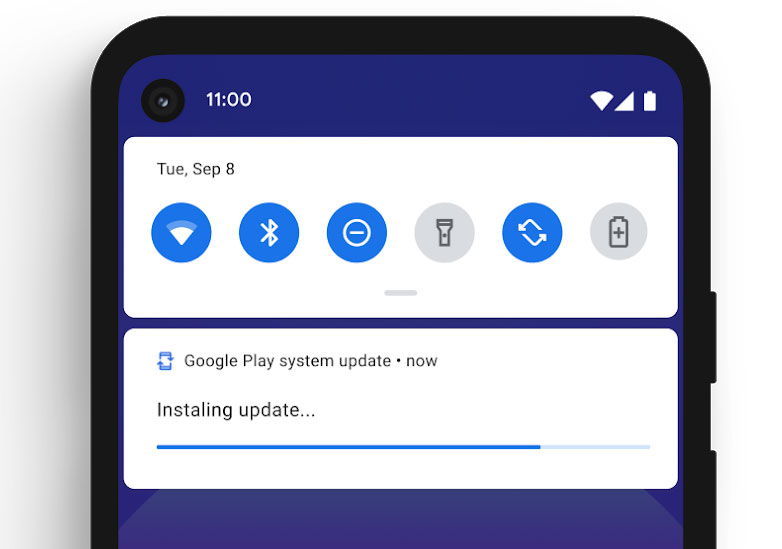
With Android 11, the company has increased the Google Play Store
app’s integration on the device, allowing it to download and
install critical OS security patches as modules instantly—just like
an app—from the Google servers.
In other words, Android 11 users would receive security and bug
patches as soon as they’re available instead of relying on device
manufacturers to release OS-level updates.
4.) Scoped Storage Enforcement to Protect Data
Introduced in the Android Q release last year, scoped storage
enforcement is also available in the latest version with minor
changes[2]. As we explained in a
previous article, scoped
storage[3] gives each app an
isolated storage area on the device in a way that no other app
installed on the same device can directly access data saved by
other apps.
Since it’s enabled for all apps by default, apps don’t require
any special permissions to save and access their own sandboxed
files on external storage.
However, suppose an app requests storage-related permission at
runtime. It means that the app is requesting broad access to
external storage.
5.) Restricting Unnecessary Background Location Access
One of the more significant privacy changes in Android 11 deals
with further restricting apps’ access to the device’s background
location[4].
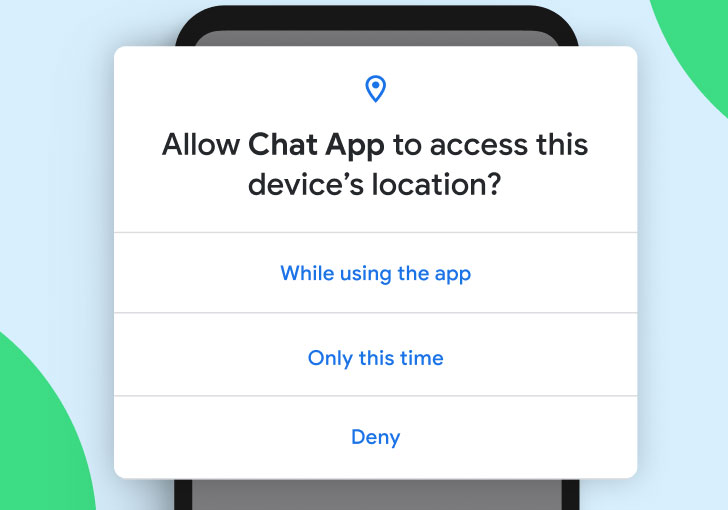
When an app requests permission to access your location, Android
11 ensures first granting only the foreground location, and if it
requires access to the location from the background as well, the
app has to make a separate permission request.
This second request requires users to follow additional steps;
instead of blindly pushing ‘ok ok, allow’ from the prompt. So
apps don’t get access to more data than they need.
To enable background location access, users must set the ‘Allow
all the time’ option for the app’s location permission on a
settings page.
Besides this, Google also requires Android app developers to
explain why their app needs background location access in the first
place.
So this was a brief introduction to all important security and
privacy features that are available to smartphone users with the
latest Android 11.
References
- ^
Android 11
(blog.google) - ^
minor changes
(developer.android.com) - ^
scoped storage
(thehackernews.com) - ^
background location
(developer.android.com)
Read more http://feedproxy.google.com/~r/TheHackersNews/~3/k7U3jsgD2Y0/android-11-security-privacy.html