When you are trying to get another layer of cyber protection
that would not require a lot of resources, you are most likely
choosing between a VPN service & a DNS Security solution. Let’s
discuss both.
VPN Explained
VPN stands for Virtual Private Networks and basically hides your
IP and provides an encrypted server by redirecting your traffic via
a server run by a VPN host. It establishes a protected connection
in public networks. It does protect your actions from being seen by
your ISP and potential hackers, however, it does not provide full
protection and can still let intrusions happen.
Worth noting, VPN does gain access to restricted resources in
your region, but bear in mind, it might be collecting your personal
data. This problem relates mostly to free and cheap VPN services.
In addition to that, VPNs, depending on their type, can proxy
requests or not.
Most of the free ones do not even encrypt your data. According
to Cybernews, last year 20 million emails and other personal data
like location & legal information were stolen via VPN.
DNS Security Explained
DNS Security works exclusively with DNS requests, not traffic.
It means that users can control their traffic without the service
having any access to it. The main goal of DNS Security[1]
is to not let you gain anything from a malicious resource even if
you already clicked something. It simply blocks all access to the
harmful resource & stops it before anything reaches your
network.
What’s the right choice?
Depends on your needs. If you desperately want access to
resources that don’t work in your regions, VPN is your choice. Try
to pick a trusted one – otherwise, your personal data might get
stolen.
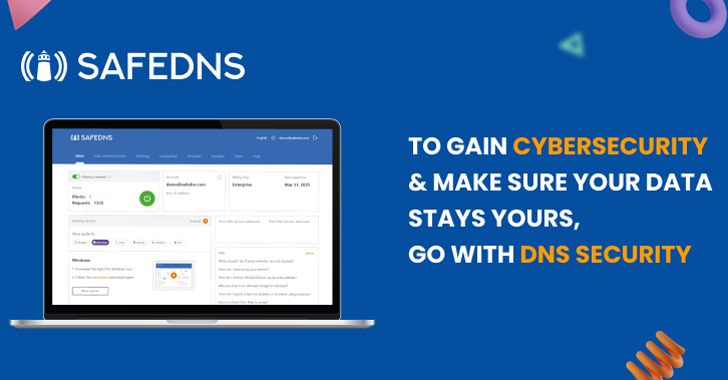
However, if you are looking to gain cyber protection & make sure
your data stays yours, you should go with DNS Security. As
mentioned, it doesn’t have access to your personal information, and
does not have both DNS requests and internet traffic go to
3rd-party servers. In short, the main difference is that VPN
camouflages the user in the danger zone. DNS Security, however, by
means of DNS filtering does not let the user go into it at all,
therefore, not risking the user at all.
DNS filtering can be thought of as a way-too-simple-to-protect
kind of solution, but it does the trick, especially by being so
easy & simple.
SafeDNS has just updated the cybersecurity categories &
implemented real-time statistics, so your browsing, whether at your
business or at home, can get even more secure.
You can always start your free trial for 15 days[2] to get the taste of
cybersecurity.
Alternatively, you can check out our Unified Threat Management[3] solution if you are
searching for multi-layered protection.
References
- ^
DNS
Security (safedns.com) - ^
start
your free trial for 15 days (safedns.com) - ^
Unified
Threat Management (firewall.safedns.com)
Read more https://thehackernews.com/2022/11/vpn-vs-dns-security.html